
Keeping stakeholders current
Managers and stakeholders read status from the room, or ask for it from their own assistant, instead of interrupting an investigator. Three tabs on every incident and one connector carry that load: Comms drafts the update a human approves, Status shows where the incident stands, Postmortem writes the record, and the manager connector answers questions from Claude.
How it works
All four read the same incident timeline, so they agree with the room and with each other. Comms turns it into an update, Status into a page to read before asking anyone, Postmortem into the record, and the manager connector into answers in an assistant. Only a person can approve an update, and every draft, approval and send is itself an event on that timeline. The rest of the room is described in How a war room works.
The Comms tab
A structured template drafts the update from the incident state: its title, its severity when one is set, its status in the words a status page uses (investigating, identified, monitoring, resolved), the findings the room has admitted, and when the next update is due. It quotes a finding only when the room treats it as established, the same rule an agent's brief uses. When the organization's admission gate is off or in shadow mode, nothing has been checked by anyone other than its author, so the draft quotes no finding and no finding moves its status to identified. The person approving it can write the cause in themselves.
A human reads it, edits it if they want, and approves it. Nothing goes out without that approval, the approval covers exactly the text that was approved, and an approved update is sent at most once. Every draft, approval and send is an event on the timeline, attributed to the person who approved it.
Today the draft targets one channel. Real egress is off per organization by default, so an approved update is recorded in the room and not delivered, and the Comms tab says so under its Approve and send button before anyone presses it. The tab names the channel only when the provider that channel belongs to is connected for your organization: with only Teams connected, a #channel still reads as not delivered, because it is a Slack channel.
Real egress has no screen yet. An organization admin turns it on through the API, with PUT /o/<your-org>/oncall/egress and the body {"enabled": true}; a GET on the same address reads the current setting. The change is written to the organization's audit trail. Only then should anyone expect a real post in Slack or Teams. Those are outbound channels only: no Slack message enters the room.
The Status tab
Status is the page to read before asking anyone anything. It shows the severity, the incident's status, how long it has been open (its duration once it is over), the number of updates sent and the number of findings, the on-call responders with whether each has joined the room, a feed of findings and hypotheses from every participant, and the updates that were sent. There is no ETA field yet.
The Postmortem tab
The postmortem is a deterministic fold of the timeline. No model writes it. The root cause comes from admitted findings only: a hypothesis headlines as the root cause when the claim that proposed it was admitted to the shared context and not later removed. When nothing was admitted, the record says that no root cause was established, and the leading hypothesis is labelled unsupported. See Shared context.
Below the headline: the participants, the decisions the room took, the remediation ledger (what was suggested, and what a human applied outside Landfall and recorded), and the artifacts shared in the room. Save keeps a snapshot of the record. Export writes it to a file and shares that file into the room as an artifact, so it travels with the incident.
The manager connector
Point Claude at your organization and ask in plain language: what is burning now, what happened last month, have we seen this before, what is waiting on a decision. The connector is read-only and scoped to the organization. A member signs in with the organization's usual method, and a departed member loses access at once. It has one optional write: an acknowledgement that leadership has seen an incident, which changes no incident state. Setup: The manager connector.
Where you see it
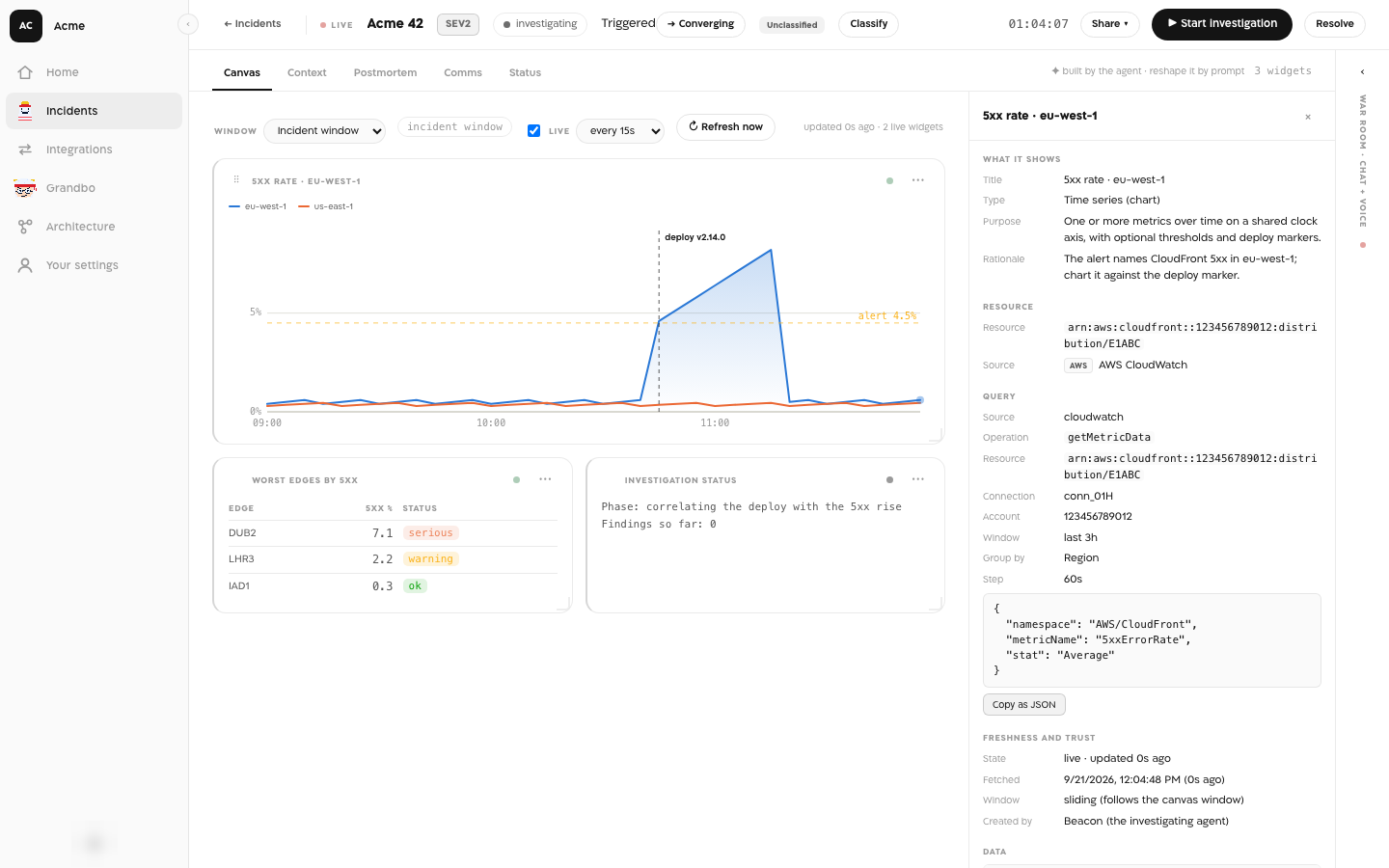
Comms, Status and Postmortem are tabs in every incident, beside Canvas and Context. The manager connector answers inside Claude once it is added there.
What an agent sees
The Comms draft and the postmortem headline take admitted findings only, the same rule an agent's brief follows, so an update or a postmortem never states as established a finding the room's agents were told is not. An agent has no tool that approves an update, and a send whose approval did not come from a person is refused with “only a person can approve it”.
Why it is built this way
A manager asking an investigator for an update costs the investigation its attention at the worst moment. Reading the same timeline the room writes gives the manager an answer without that cost, and folding it without a model means the record says only what happened. The one approval in the product sits on what leaves it: a person reads every update before it reaches anyone outside the room.
What is not here yet
- A shareable read-only status link for people outside the organization.
- A next-update time and an ETA on the Status tab. The update template says the next update comes when we know more; the person approving it can change that line.
- Stakeholder notes drafted by a model. Today the draft is a template filled from the incident state.
- A screen for turning real egress on or off. Today it is the API call above.